Create your augmented reality
experiences
Turn any place into an interactive adventure. No app to install, no technical skills needed. A QR code, a browser, let's go.
3
crédits offerts
0
installation
∞
occasions



Step found!
Step 2 of 5
Next hint
Look for the painting near the grand staircase…
For every occasion
Ideas for your next augmented reality experiences.
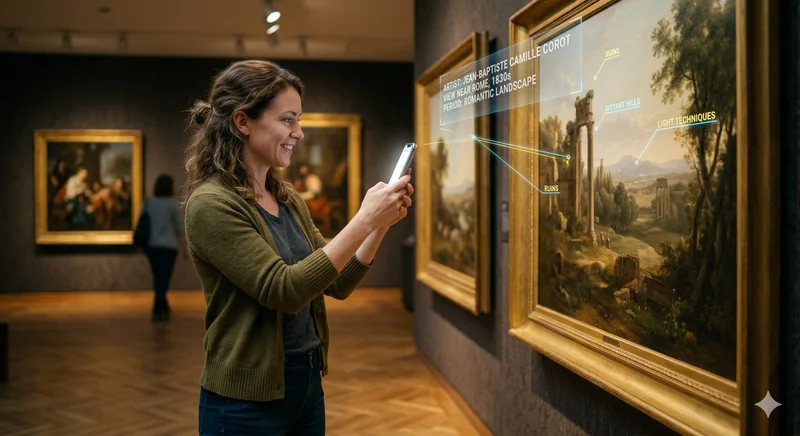
Museums & Exhibits
Reveal hidden information about your collections, guide visitors step by step and turn each room into an interactive discovery.
Everything you need, nothing you don't
A simple and powerful platform to create memorable AR experiences.
No installation
Players scan a QR code and play directly in their browser. Compatible with iPhone, iPad and Android.
Multi-step experiences
Create experiences with 1 to 10 steps. Each step has its own target image and AR message to discover.
Victory video
Reward your players with a personalized video that plays at the end of the hunt.
Print-ready poster & QR
Download the QR code alone or an elegant poster to place at the starting point of the game.
Real-time statistics
Track scans and completions. Pause or edit your experiences anytime.
How does it work?
Create and share an AR experience in minutes.
Create your experience
Upload your target images, write the AR messages for each step. Our tool compiles everything automatically.
Share the QR code
Print the QR code and place it at the starting point. Share the link by message or on social media too.
Players explore
They scan the QR, point their camera at the images and discover your messages in augmented reality.
Try it yourself, right now
A real Kénario experience, playable immediately. No install, no account — right in your phone's browser.
- 1 Scan the QR code with your phone's camera
- 2 Point the camera at the target image on screen
- 3 The augmented reality message appears
Then point the camera at the target image above — ideally shown on another screen.
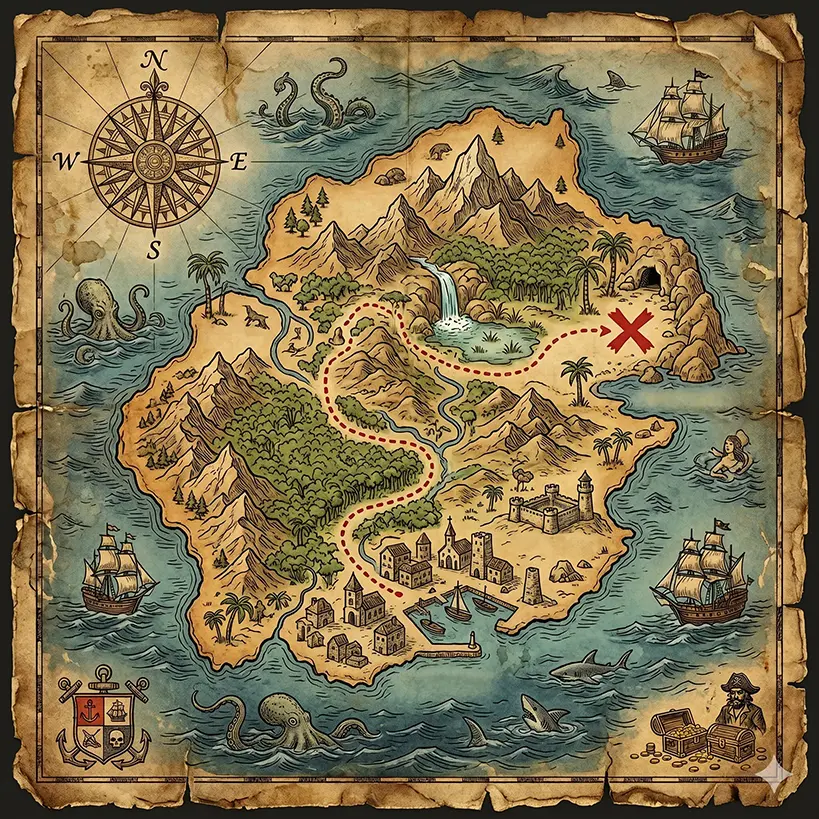
Then aim at this image
Simple and transparent
No subscription, no surprises. Buy credits, create your experiences.
Discovery
9 €
10 credits
0.90 € / credit
- Unique QR code per experience
- AR content (text + image)
- Scan statistics
Pro
19 €
30 credits
0.63 € / credit
- Unique QR code per experience
- AR content (text + image)
- Scan statistics
- 5 to 10 experiences
Business
49 €
100 credits
0.49 € / credit
- Unique QR code per experience
- AR content (text + image)
- Scan statistics
- Heavy usage
Custom
On quote
Dedicated project, end-to-end
- Full experience personalization (scenario, design, content)
- Turnkey creation by our creative team
- Dedicated project manager & support
- …and much more
Frequently Asked Questions
Everything you need to know before getting started.
Do players need to install an app?
No installation required. Players access the experience directly from their mobile browser by scanning a QR code. Everything works via WebAR, no App Store or Google Play needed.
Which devices are compatible?
Most modern smartphones are compatible: iPhone (Safari) and Android (Chrome). Image AR detection requires a camera and WebGL hardware acceleration, which is enabled by default on recent devices.
How does the credit system work?
Each published experience uses credits based on its size: 3 credits for a small experience (1-3 steps), 6 for a medium experience (4-6 steps), and 10 for a large experience (7-10 steps). You get 3 free credits when you sign up — no credit card needed.
Do credits expire?
No, your credits never expire. Buy a pack and use them at your own pace, with no pressure.
How long does an experience stay active?
A published experience stays active for 12 months. You'll receive a warning email 30 days before expiration. Renewal costs 1 credit and extends the experience for another year.
Can I edit an experience after publishing?
Yes, you can pause an experience and edit its AR content (text, image) or hints at any time from your dashboard.
Still have questions?
We understand. Let's get in touch directly with our team.